

106° Road-Facing Lens
Record up to 1080P road footage with a wide diagonal field of view.
FleetFusion · FS-C6-2.0-S
Road-facing video with an additional camera channel for a flexible fleet installation.
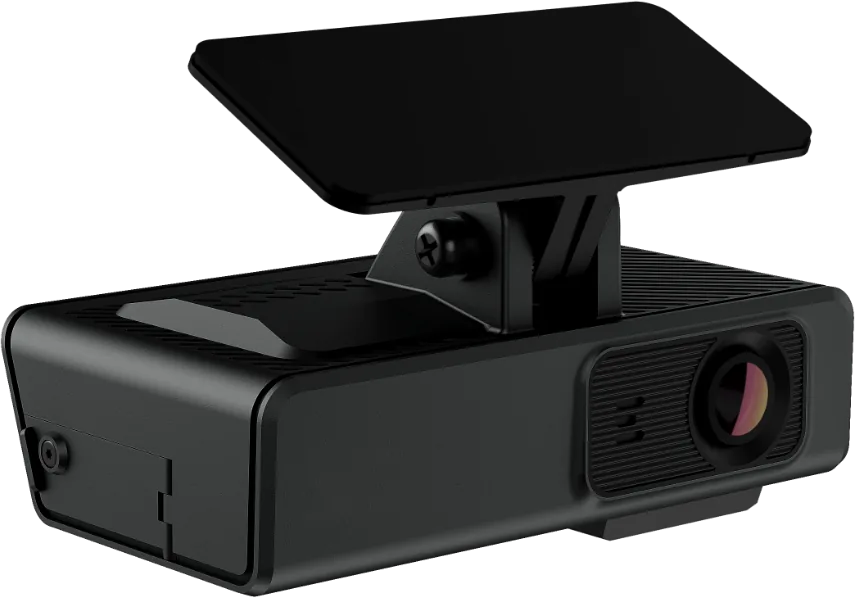
Choose camera placement and recording coverage around the vehicle and the evidence your team needs. Review events alongside your wider fleet operation in FleetFusion Vision.
Model identifiers are retained so equipment, installation records and technical documents stay consistent.
Record up to 1080P road footage with a wide diagonal field of view.

Two slots support up to 512 GB per card for main and sub-stream recordings.

A compact windshield installation with an optional OBD power connection. Confirm vehicle suitability and sightlines.

Built-in Wi-Fi and 4G connect the device to supported fleet workflows. Select the appropriate regional radio variant and data plan.

Use the built-in road view and an additional compatible camera channel.

The published specification lists AES-256 encryption for video and audio storage. Confirm enabled security settings during setup.
Published ADAS functions include forward-collision, pedestrian-collision, lane-departure and tailgating alerts.
Published DSM functions include fatigue, distraction, phone use, smoking, no-driver and seat-belt detection. A compatible DSM accessory camera is required.
Calibrate the installation and agree alert thresholds, supported firmware and recording permissions. AI alerts support human review; detection is not guaranteed in every condition.
Set camera coverage, recording quality, enabled events and data connectivity.
Review available video and event context in FleetFusion Vision. Confirm the functions supported by this exact model.
Use reviewed evidence for incident handling, driver coaching and operational follow-up.
| Camera Views | Built-in road-facing lens |
|---|---|
| Recording Channels | 2 video channels; 1 built-in by default |
| Road Recording | Up to 1080P at 25 fps with AI enabled |
| Additional AI Camera | Up to 720P at 20 fps for DMS with two AI channels |
| Field Of View | 106° diagonal |
| Storage | Two microSD slots, up to 512 GB per card |
| Connectivity | 4G and 2.4 GHz Wi-Fi |
| CAN / Serial | J1939 CAN or RS232; RS232 is the default configuration |
Specifications are based on the published model datasheet. Configuration and regional variants may differ. View Full FleetFusion Technical Datasheet ↓
Specify your vehicle types, operating states and mobile network. The radio variant, carrier support and installation must match the intended deployment.
Specify your operating countries, vehicle types, network and camera coverage. Match equipment and installation evidence to the requirements of each country.
Confirm firmware, supported camera functions, data plan and video retention with your selected FleetFusion configuration.

Road and driver views in one connected dashcam, with expansion for additional camera coverage.
View Specifications →
A road-facing dashcam with room to add external cameras as your coverage needs grow.
View Specifications →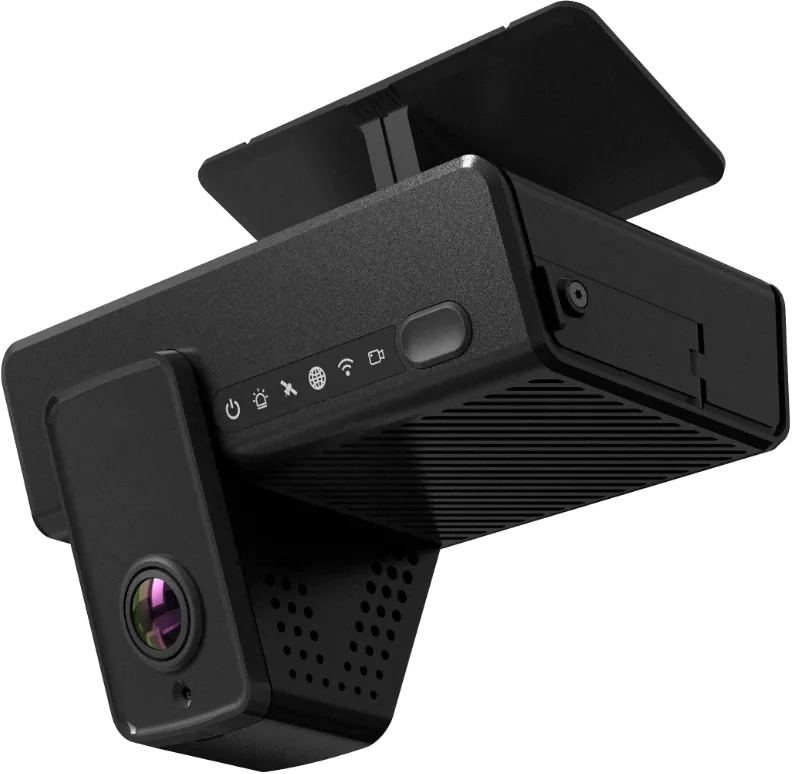
A compact dual-lens camera for fleets that need a connected view of both the road and the cab.
View Specifications →