
See the road · FleetFusion
Asset tags for the things that aren’t vehicles
Not everything worth tracking has an engine. FleetFusion supports Bluetooth asset tags for tools, equipment, trailers and cages, managed in the same Device Hub as your trackers and cameras.
Claim a tag in seconds
In Settings › Device Hub › Devices, choose Add Asset Tag, then enter or scan the identifier or QR code printed on the tag. FleetFusion normalises the identifier, shows a device preview and runs an ownership check before you confirm the claim.
- Add Asset Tag in Device Hub
- Scan the printed ID or QR code
- Ownership check before claiming
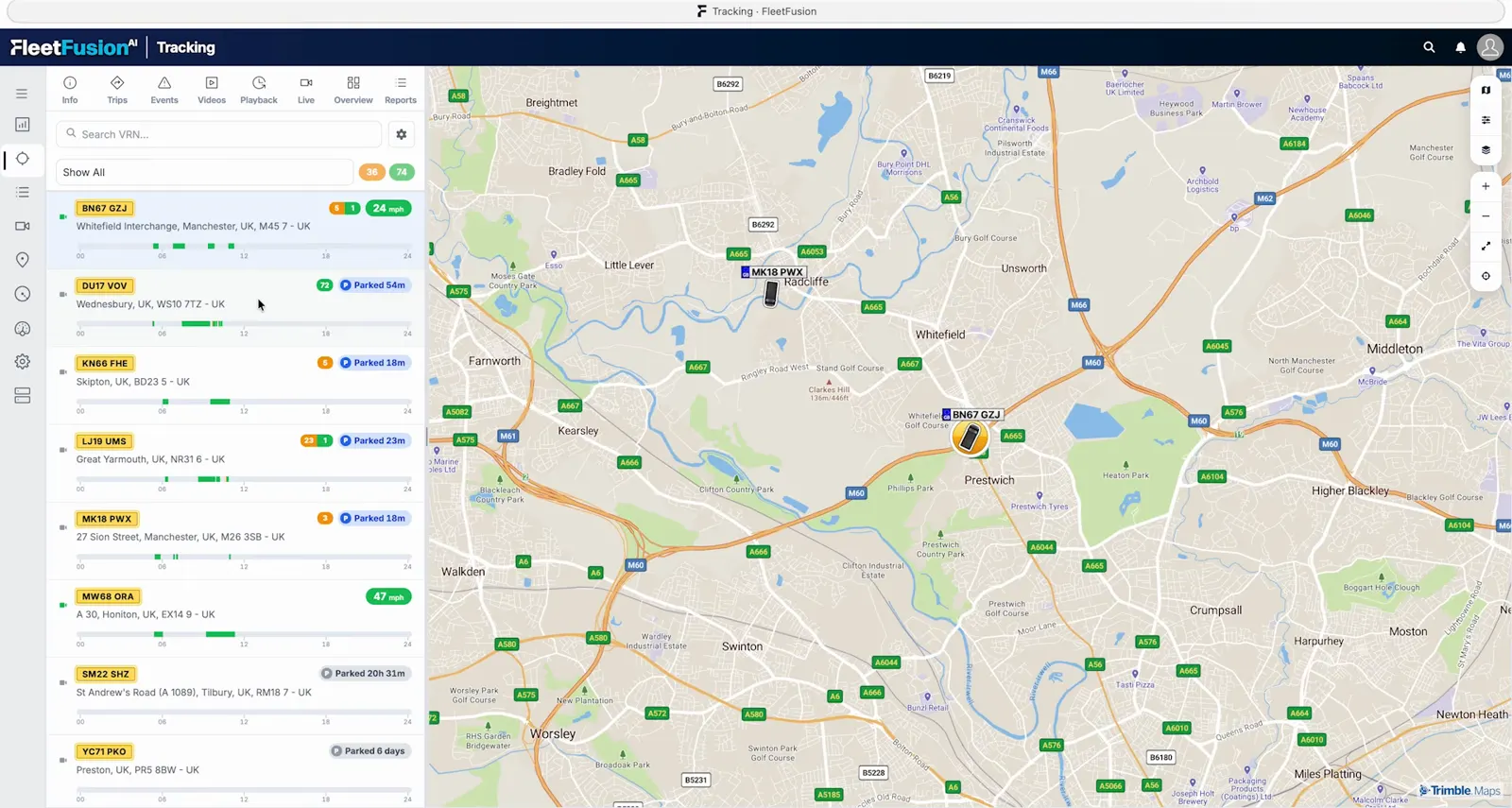
Tracked as assets in their own right
Asset tags are tracked as standalone assets rather than being tied to a vehicle, so a cage, tool or trailer keeps its own identity and history wherever it goes. A tag that belongs to another organisation can’t be claimed until it is released.
- Standalone asset records
- Not tied to one vehicle
- Protected against duplicate claims
Cargo and trailer sensors too
Temperature, door, cargo and other telematics sensors are added through their parent tracker, gateway or supported integration, so trailer and load data arrive alongside vehicle tracking. The supported-hardware catalogue also lists dedicated asset trackers.
- Temperature and door sensors
- Via the parent tracker or gateway
- Dedicated asset trackers supported
Related solutions
GPS vehicle tracking
Live GPS fleet tracking with 24-hour activity bars, trip view, geofences, points of interest and tyre, fuel and AdBlue data.
Learn more →See the roadBring your own device (Vision)
FleetFusion Vision supports 538 tracker and camera models. Keep your hardware and unify platforms with one login, one map and one event list.
Learn more →Run the fleetWhole-life fleet management
Manage every vehicle from acquisition to disposal: defects, maintenance, workshop, fuel, documents and contracts in one AI-native fleet platform.
Learn more →Used in these markets
Frequently asked questions
How do I add an asset tag?
Go to Settings › Device Hub › Devices, choose Add Asset Tag and enter or scan the identifier printed on the tag, then confirm the claim.
Are asset tags linked to vehicles?
No. Asset tags are tracked as standalone assets, so there is no vehicle selector.
Can I monitor cargo temperature or doors?
Yes. Temperature, door and cargo sensors are added through their parent tracker, gateway or supported integration.
Explore The Asset Tag Range.
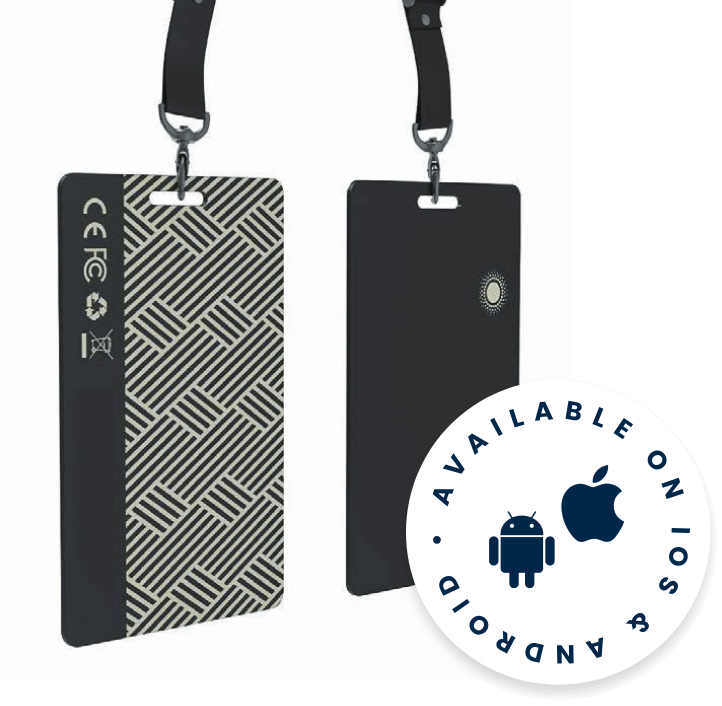
Track Tag Slim
A thin card-style Bluetooth tag for equipment, bags and other portable assets.
View Specifications →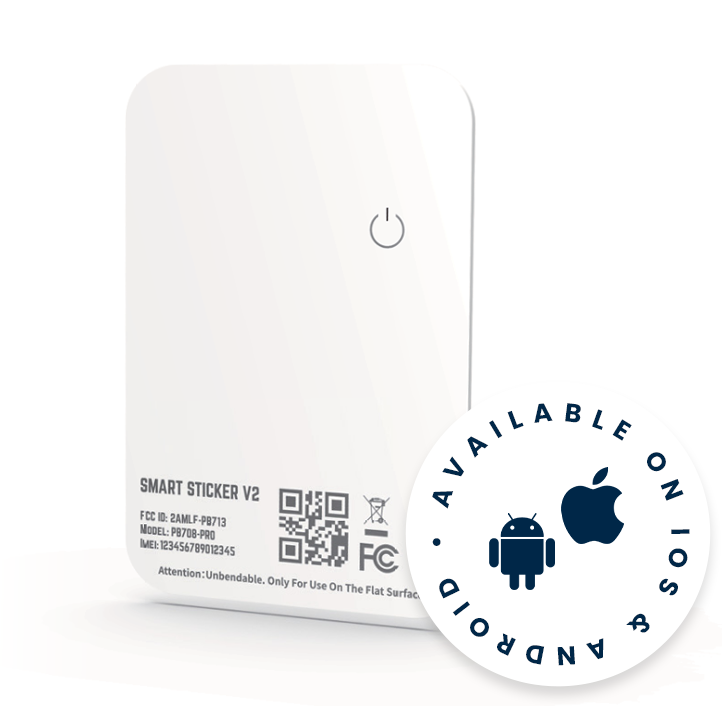
Smart Sticker V2
A lightweight sticker-style Bluetooth tag for packages and flat asset surfaces.
View Specifications →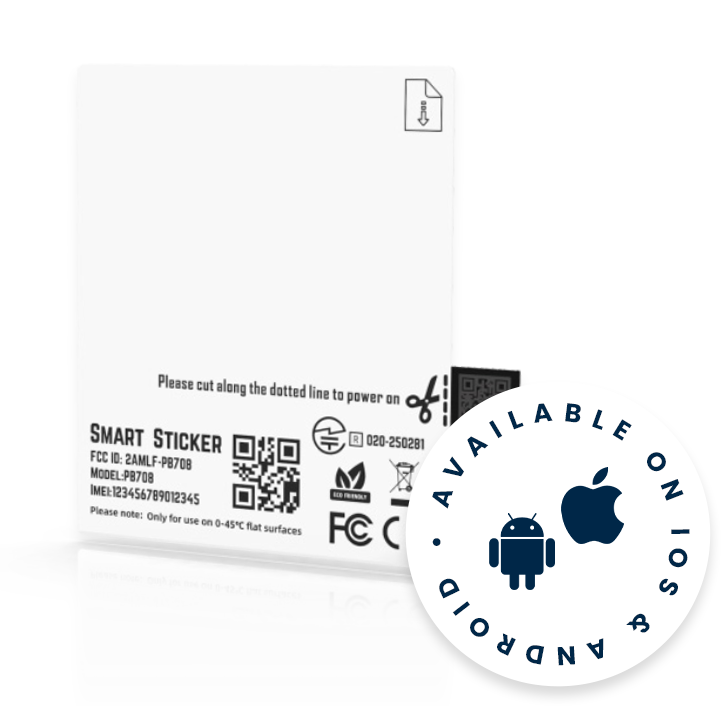
Smart Sticker
A flexible Bluetooth label for short-duration logistics and shipment visibility.
View Specifications →